
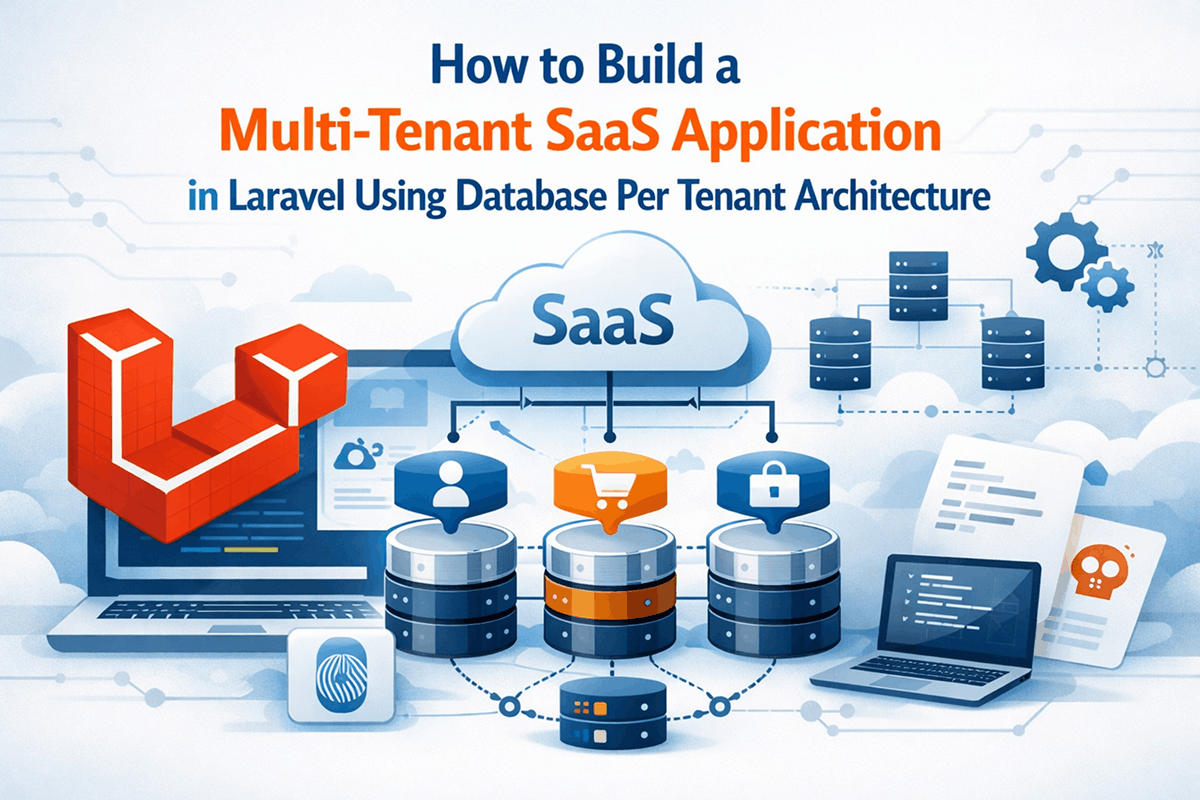
Multi-tenancy is one of the most important architectural patterns in modern SaaS applications. Whether you are building a CRM, support ticket platform, HR system, ERP, project management tool, or e-commerce solution, there is a good chance that multiple customers will use the same application while expecting complete isolation of their data.
One of the most secure and scalable approaches is the database-per-tenant architecture. In this model, each tenant receives its own database while the application code remains shared.
This approach provides stronger data isolation, easier backups, improved compliance support, and greater flexibility when managing customer data.
In this tutorial, you will learn how to build a database-per-tenant SaaS application in Laravel. We will create tenant provisioning logic, dynamically switch database connections, run tenant migrations, and implement middleware that automatically loads the correct tenant.
Prerequisites
Before starting, ensure you have the following tools and knowledge.
Software Requirements
- PHP 8.2 or newer
- Laravel 12 or newer
- MySQL 8 or MariaDB
- Composer
- Git
- Laravel Artisan CLI
Knowledge Requirements
- Basic Laravel development
- Eloquent ORM
- Middleware
- Service Providers
- Database Migrations
- Laravel Routing
Architecture Overview
We will use two database types:
- Central database for tenants, billing, subscriptions, domains, and global settings
- Separate database for each tenant's application data
The central database stores tenant records:
central_database tenants ├── id ├── name ├── domain ├── database_name ├── database_username ├── database_password └── created_at Each tenant receives its own database:
tenant_1_db tenant_2_db tenant_3_db Step 1: Create a New Laravel Project
Start by creating a fresh Laravel installation.
composer create-project laravel/laravel saas-app cd saas-app Configure your central database in the environment file.
DB_CONNECTION=mysql DB_HOST=127.0.0.1 DB_PORT=3306 DB_DATABASE=central_db DB_USERNAME=root DB_PASSWORD= Step 2: Create the Tenant Model and Migration
Create a Tenant model.
php artisan make:model Tenant -m Edit the migration.
Schema::create('tenants', function ($table) { $table->id(); $table->string('name'); $table->string('domain')->unique(); $table->string('database_name'); $table->string('database_username'); $table->string('database_password'); $table->timestamps(); }); Run the migration.
php artisan migrate Tenant Model
namespace App\Models; use Illuminate\Database\Eloquent\Model; class Tenant extends Model { protected $fillable = [ 'name', 'domain', 'database_name', 'database_username', 'database_password' ]; } Step 3: Configure a Tenant Database Connection
Open config/database.php.
Add a dynamic tenant connection.
'tenant' => [ 'driver' => 'mysql', 'host' => env('DB_HOST'), 'port' => env('DB_PORT'), 'database' => '', 'username' => '', 'password' => '', 'charset' => 'utf8mb4', 'collation' => 'utf8mb4_unicode_ci', 'prefix' => '', 'strict' => true, ], This connection will be populated dynamically at runtime.
Step 4: Create a Tenant Manager Service
Create a service class.
mkdir app/Services Create TenantManager.php.
namespace App\Services; use App\Models\Tenant; use Illuminate\Support\Facades\Config; use Illuminate\Support\Facades\DB; class TenantManager { public function connect(Tenant $tenant) { Config::set( 'database.connections.tenant.database', $tenant->database_name ); Config::set( 'database.connections.tenant.username', $tenant->database_username ); Config::set( 'database.connections.tenant.password', $tenant->database_password ); DB::purge('tenant'); DB::reconnect('tenant'); DB::setDefaultConnection('tenant'); } } This service dynamically switches Laravel to the tenant database.
Step 5: Create Tenant Middleware
The middleware will identify which tenant is making the request.
php artisan make:middleware IdentifyTenant Update the middleware.
namespace App\Http\Middleware; use Closure; use App\Models\Tenant; use App\Services\TenantManager; class IdentifyTenant { public function handle($request, Closure $next) { $host = $request->getHost(); $tenant = Tenant::where( 'domain', $host )->firstOrFail(); app(TenantManager::class) ->connect($tenant); app()->instance( 'currentTenant', $tenant ); return $next($request); } } Register the middleware.
bootstrap/app.php $middleware->alias([ 'tenant' => \App\Http\Middleware\IdentifyTenant::class, ]); Step 6: Create Tenant Routes
Apply tenant middleware to routes.
Route::middleware('tenant') ->group(function () { Route::get('/dashboard', function () { return 'Tenant Dashboard'; }); }); Every request will now connect to the correct database before route execution.
Step 7: Create Tenant Migrations
Tenant databases need their own tables.
Create a tenant migration directory.
database/migrations/tenant Create a migration.
php artisan make:migration create_customers_table Move it to the tenant folder.
database/migrations/tenant Example migration:
Schema::create('customers', function ($table) { $table->id(); $table->string('name'); $table->string('email'); $table->timestamps(); }); Step 8: Create a Tenant Migration Command
Each newly created tenant needs database tables.
php artisan make:command TenantMigrate Command example:
namespace App\Console\Commands; use Illuminate\Console\Command; class TenantMigrate extends Command { protected $signature = 'tenant:migrate'; public function handle() { $this->call('migrate', [ '--database' => 'tenant', '--path' => 'database/migrations/tenant', '--force' => true ]); } } This command executes migrations against the tenant database.
Step 9: Create Tenant Provisioning Logic
When a customer registers, a new tenant database must be created automatically.
Create Tenant Service
 namespace App\Services;
            use App\Models\Tenant;
            use Illuminate\Support\Facades\DB;

            class TenantProvisioner {
                public function create(array $data) {
                    $databaseName = 'tenant_' . uniqid();
                    DB::statement( "CREATE DATABASE {$databaseName}" );
                    return Tenant::create([
                        'name' => $data['name'],
                        'domain' => $data['domain'],
                        'database_name' => $databaseName,
                        'database_username' => env('DB_USERNAME'),
                        'database_password' => env('DB_PASSWORD')
                    ]); } }
After database creation, connect and run tenant migrations.
$tenant = app(TenantProvisioner::class) ->create($request->all()); app(TenantManager::class) ->connect($tenant); Artisan::call('tenant:migrate'); This creates a fully functional tenant environment automatically.
Step 10: Create Tenant Models
Tenant models should always use the tenant connection.
namespace App\Models; use Illuminate\Database\Eloquent\Model; class Customer extends Model { protected $connection = 'tenant'; protected $fillable = [ 'name', 'email' ]; } Now all customer records are stored inside the active tenant database.
Step 11: Access Current Tenant Anywhere
You will often need the current tenant.
$currentTenant = app('currentTenant'); Example:
$currentTenant->name; $currentTenant->domain; This becomes useful for billing, subscriptions, feature limits, and branding.
Step 12: Add Tenant Specific Settings
Create a settings table inside tenant databases.
    Schema::create('settings', function ($table) {
        $table->id();
        $table->string('key');
        $table->text('value');
        $table->timestamps();
    });
Examples include:
- Company name
- Logo
- Email settings
- Theme settings
- Invoice settings
- Business preferences
Each tenant can customize their environment independently.
Step 13: Implement Tenant Aware Authentication
Authentication should occur within the tenant database.
Create users table migration inside the tenant migrations folder.
    Schema::create('users', function ($table) {
        $table->id(); $table->string('name');
        $table->string('email')->unique();
        $table->string('password'); $table->timestamps(); });
Update User model.
class User extends Authenticatable { protected $connection = 'tenant'; } Now every tenant maintains its own user accounts.
Step 14: Queue Jobs in Multi-Tenant Environments
A common mistake is forgetting tenant context in queued jobs.
Store tenant IDs with jobs.
class ProcessInvoice implements ShouldQueue { public $tenantId; public function __construct($tenantId) { $this->tenantId = $tenantId; } public function handle() { $tenant = Tenant::findOrFail( $this->tenantId ); app(TenantManager::class) ->connect($tenant); // Job logic } } This ensures background workers operate against the correct tenant database.
Step 15: Backing Up Tenant Databases
One of the biggest advantages of database-per-tenant architecture is backup flexibility.
You can:
- Backup individual tenants
- Restore individual tenants
- Migrate tenants independently
- Move large customers to dedicated servers
- Provide enterprise compliance options
This level of flexibility is difficult to achieve using shared database models.
Common Mistakes and How to Avoid Them
1. Forgetting to Reconnect the Database
Many developers update the configuration but forget to purge and reconnect.
Always call:
DB::purge('tenant'); DB::reconnect('tenant'); 2. Using Cached Configuration
If configuration caching is enabled, dynamic connection changes may fail.
Be careful when running:
php artisan config:cache Test tenant switching thoroughly in production environments.
3. Ignoring Queue Context
Jobs executed later do not automatically know which tenant they belong to.
Always pass tenant identifiers into queued jobs.
4. Using Global Models Accidentally
If a model does not specify the tenant connection, records may end up in the central database.
Always verify model connection settings.
5. Not Isolating File Storage
Tenant uploads should be stored separately.
Example:
storage/app/tenants/1 storage/app/tenants/2 storage/app/tenants/3 This prevents file collisions and improves organization.
6. Forgetting Tenant Migrations
When adding new features, developers sometimes update only the central database.
Maintain separate migration strategies for:
- Central database
- Tenant databases
Why Database Per Tenant Is Popular for SaaS Products
Many successful SaaS companies choose database-per-tenant architecture because it provides strong isolation and scalability.
- Improved security
- Easier compliance
- Simplified backups
- Better enterprise support
- Flexible migrations
- Independent scaling options
- Reduced risk of cross-tenant data leaks
Although it requires more infrastructure management than shared database architectures, the operational benefits often outweigh the complexity.
Conclusion
In this tutorial, you learned how to build a multi-tenant SaaS application in Laravel using the database-per-tenant approach. We created a central tenant registry, dynamically switched database connections, built tenant middleware, provisioned databases automatically, and implemented tenant-aware models and authentication.
This architecture is an excellent choice for SaaS products that require strong customer isolation, enterprise-grade security, and long-term scalability. Once you have this foundation in place, you can extend the platform with subscriptions, billing systems, feature flags, usage limits, API access, tenant branding, and advanced analytics.
As a next step, consider implementing Stripe subscriptions, tenant feature management, queued onboarding workflows, audit logs, and automated tenant backups. These additions will move your application from a basic multi-tenant setup to a production-ready SaaS platform capable of serving hundreds or thousands of customers.